
When you upload Performance data, you can:
- Filter your employees' performance ratings alongside the benchmark analysis
- Visualise your employees band placement alongside their performance rating
How to upload Performance data
Head to Manage My Data: Performance to download the template.
Follow the steps in the spreadsheet:
- Input your performance ratings and number rankings
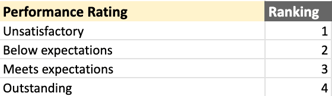
2. Input the number ranking for each employee and if promotion =True/False
Once complete, please submit on the Performance page.
Please allow 2 weeks for the data to appear in your account.
How to use Performance data
Once this is uploaded, you can access this in two places.
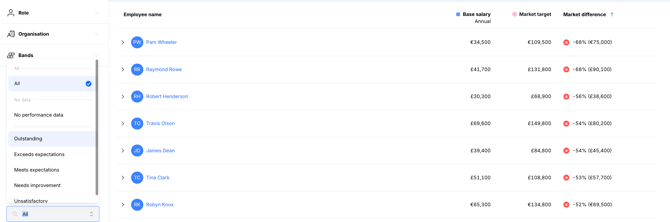
Analyse your Company: Compensation
Use the Employee Attributes filter on the left, to access the Performance ratings.
From here, you can filter to view the priority groups ie. employees who are highest performing, but lowest against the benchmarks.
Salary Bands: View (and in your Scenarios)
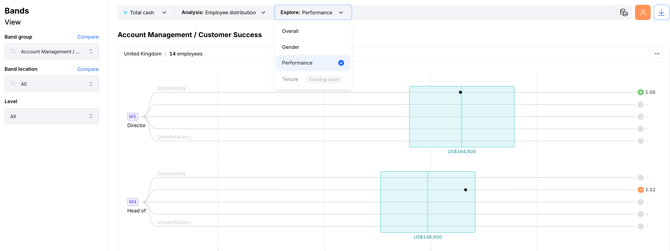
Use the Analysis: Employee Distribution view to see your employees.
From here, you can change the Explore filter to Performance. This allows your to visualise the employees band placement alongside their performance rating.
We recommend refreshing your performance data after every performance review, to ensure you are working with the most up to date analytics.