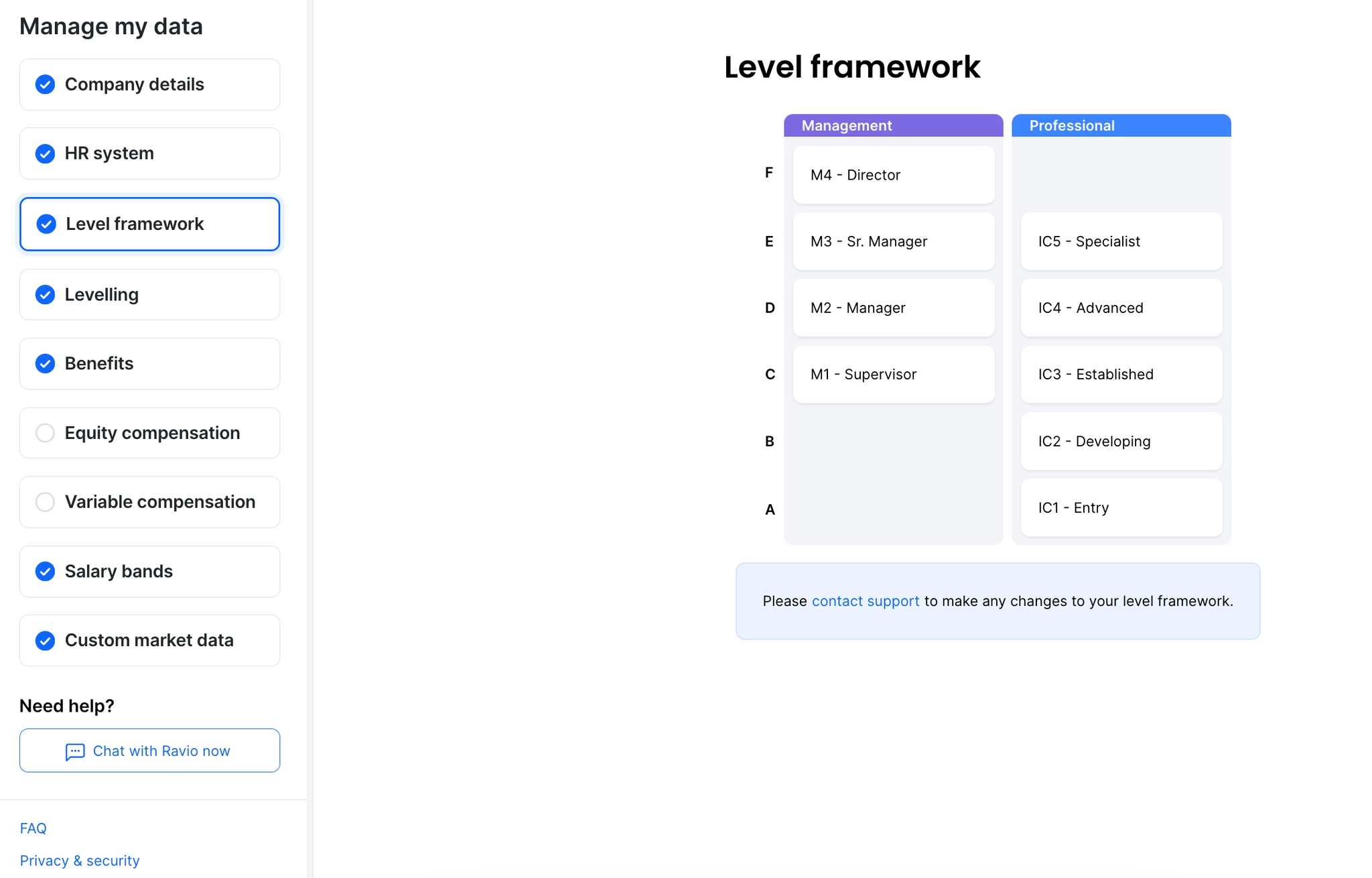
If you haven’t provided your levelling framework already, you can upload the details here. If you have provided your levelling framework you can view the information that Ravio has for you from this screen.
To make changes to your level framework (e.g. update names, levels, or tracks), or to replace the framework with a new version, reach out to your Customer Success Manager or use live chat from the Ravio website.