When you upload Custom Market Data, you can:
- View benchmarks from multiple datasets in one place
- Benefit from Ravio compensation analytics, for all of your datasets
How to upload Custom Market Data
Head to Manage My Data: Custom Market Data to download the template.
Follow the steps in the spreadsheet:
- Input the custom market data, for each required column
- Map the Positions, using the drop-down
- Map the Levels, using the drop-down
- Map the Job Code, using the drop-down (required if Step 1 includes Job Codes)
Once complete, please submit on the Custom Market Data page.
Please allow 2 weeks for the data to appear in your account.
How to use Custom Market Data
Once this is uploaded, you can access this in two places.
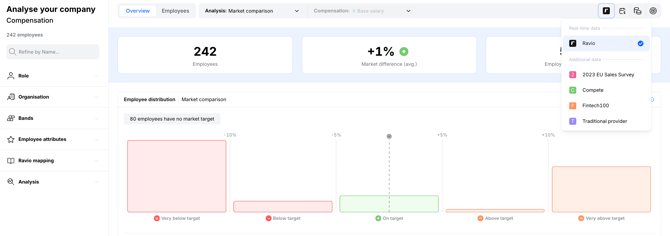
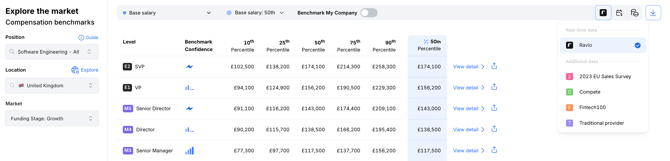
Click the black 'R' icon in the top right corner to select the dataset
Explore The Market:
View benchmarks from multiple datasets in one place
Analyse Your Company:
Benefit from Ravio compensation analytics, for all of your datasets