There are several ways to submit equity data to Ravio. Sharing your equity data opens up access to Ravio’s real-time equity compensation benchmarks. 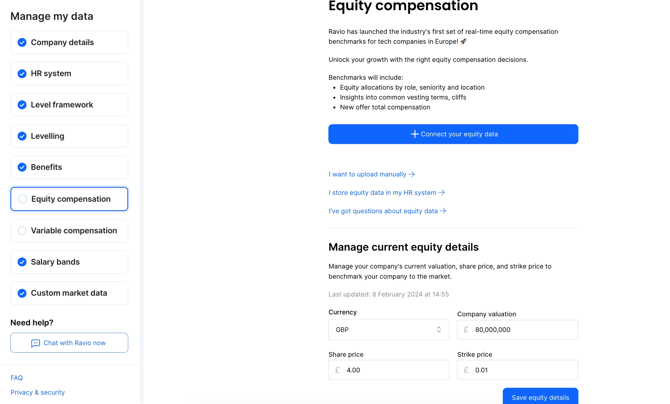
Connect your equity data
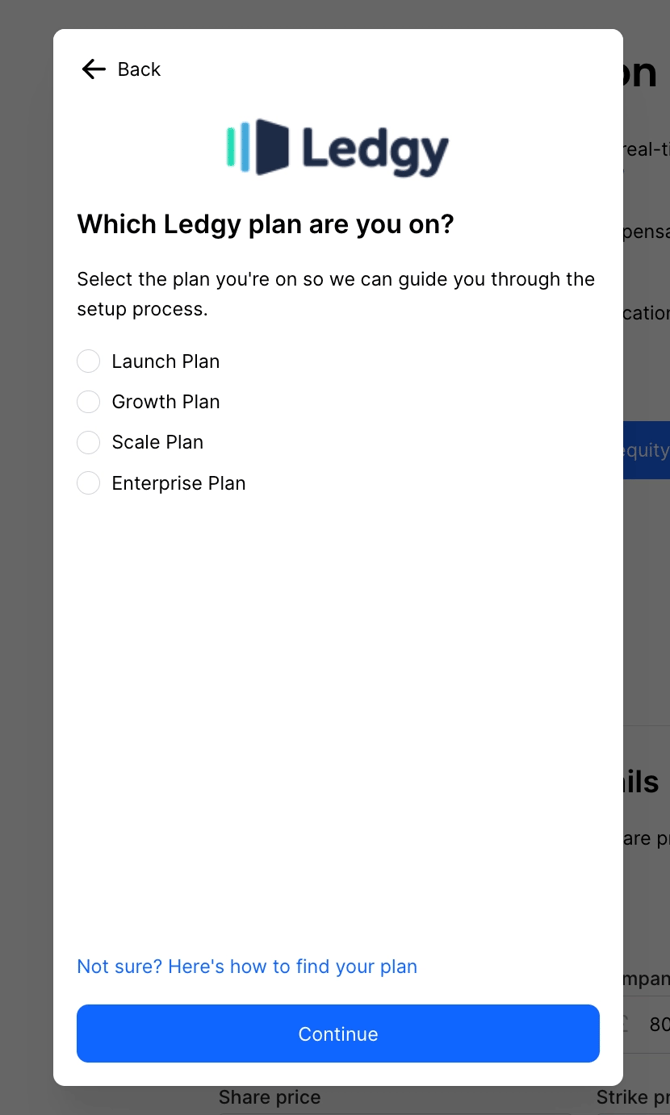
Ravio has integrations available with Ledgy and Carta (previously Capdesk).
To share data via an integration with Ledgy or Carta, select “Connect your equity data”, choose the relevant platform, and then follow the instructions on screen.
Upload your equity data manually
If you store equity data offline, you can upload a spreadsheet with all of the details. Ravio can provide a template for you to use, to complete all of the required information. This can also be copied from here. 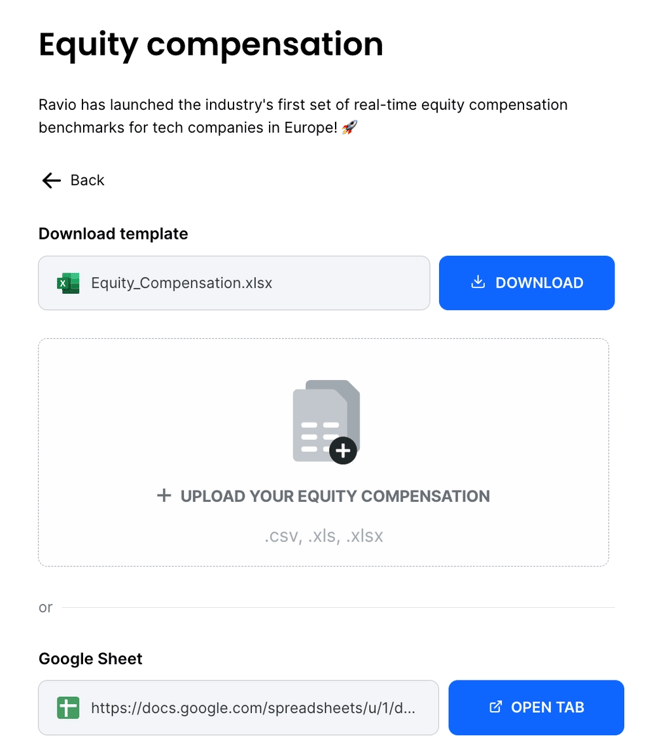
Share data from your HR system
If your equity data is stored in your HRIS, reach out to your Customer Success Manager or live chat with the Ravio team to confirm the details. You’ll need to confirm the specific field names used in your HRIS. We may also need you to provide some additional details separately in your account, to allow us to understand the full equity plan information.
Note - we can’t yet visualise variable pay information that comes via your HRIS, but this will be coming later.
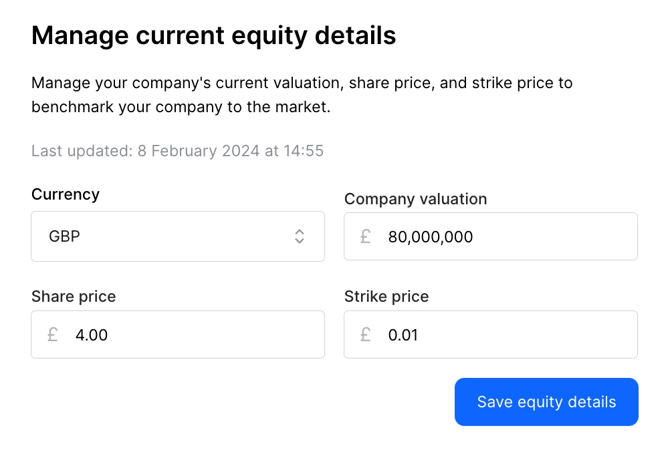
Manage current equity details
In all cases we’ll need to understand your current equity details, including current valuation, share price, and strike price in order to benchmark your company to the market. You can adjust this information at any time.